
Prompt Templates
Prompt templates let you save and reuse frequently used prompts. Instead of typing or pasting common instructions every time, you save them as templates and apply them with one click in any chat.
Personal vs. Organization Templates
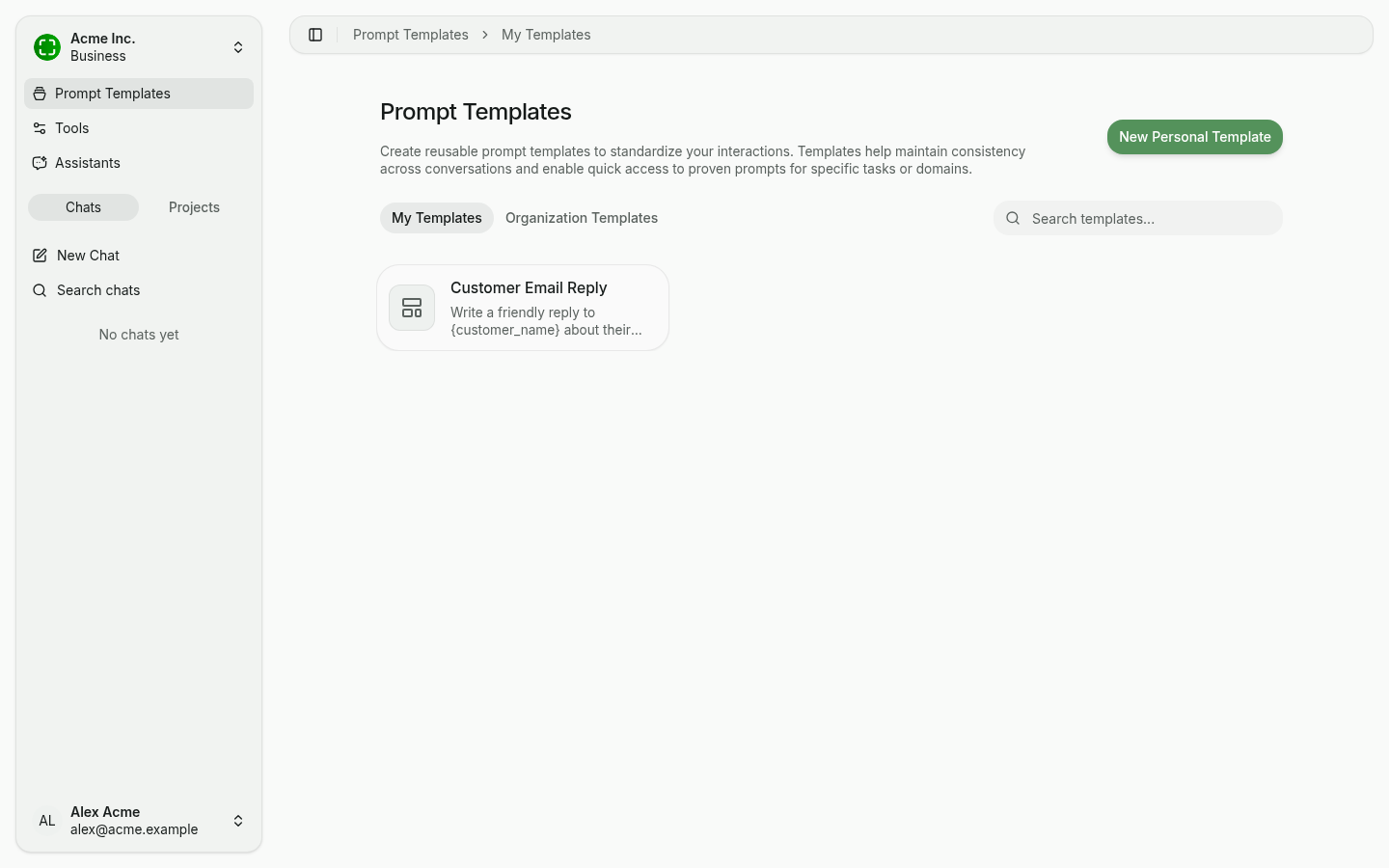
Like assistants, templates come in two visibility scopes, switched via tabs at the top:
- My Templates — Visible only to you. Any user can create, edit, or delete personal templates. A personal template can later be shared with specific colleagues, a group, or your entire organization — see Sharing.
- Organization Templates — Created by administrators and shared with all members. Ideal for standardizing recurring workflows such as "Summarize this document" or "Draft customer reply."
Creating a Personal Template
To create a template:
- Navigate to Prompt Templates.
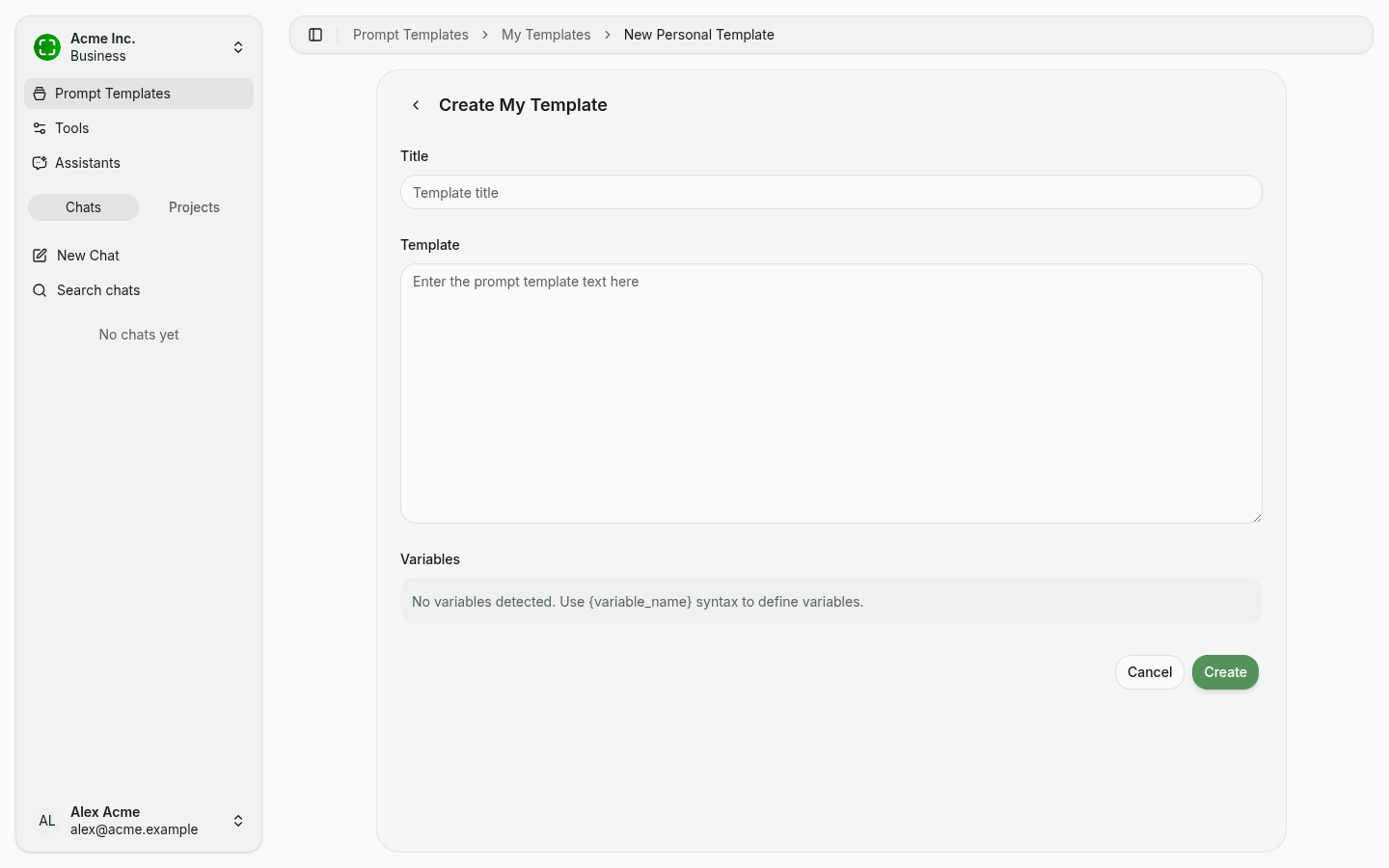
- Click New Personal Template (or New Organization Template, depending on tab).
- Enter a clear title and the template text.
- nunq automatically detects variables wrapped in curly braces (
{variable_name}). - Click Create.
Variables with {variable_name}
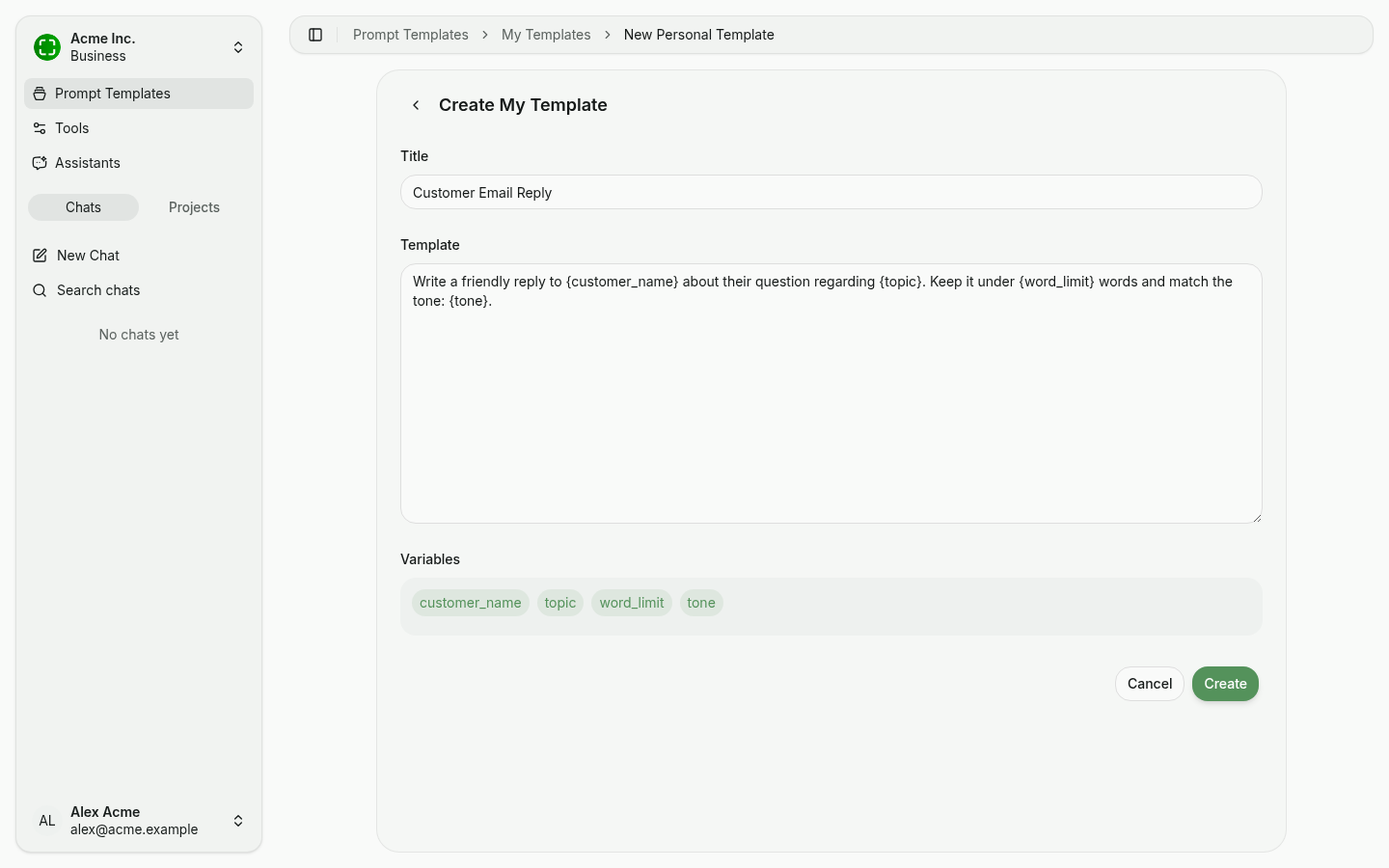
Use curly braces to declare placeholders in the template body. nunq parses the text live and shows detected variables as chips below the input. When you insert the template into a chat, nunq prompts you for values.
Example template:
Write a friendly reply to {customer_name} about their question regarding {topic}.
Keep it under {word_limit} words and match the tone: {tone}.
Detected variables appear directly in the editor:
Using Templates in Chat
When composing a message, open the template picker (plus/template icon) or type @ and pick a template. nunq inserts the prompt text into the input and surfaces value fields for any variables. You can use the template as-is or edit it before sending.
Templates are especially helpful for:
- Recurring tasks that require the same prompt structure.
- Onboarding new team members with ready-made prompts for common scenarios.
- Ensuring a consistent output format across users and conversations.
Searching and Managing Templates
Use the search bar in the top right to filter templates by title. You can edit or delete your personal templates at any time. Organization templates can only be modified by administrators.